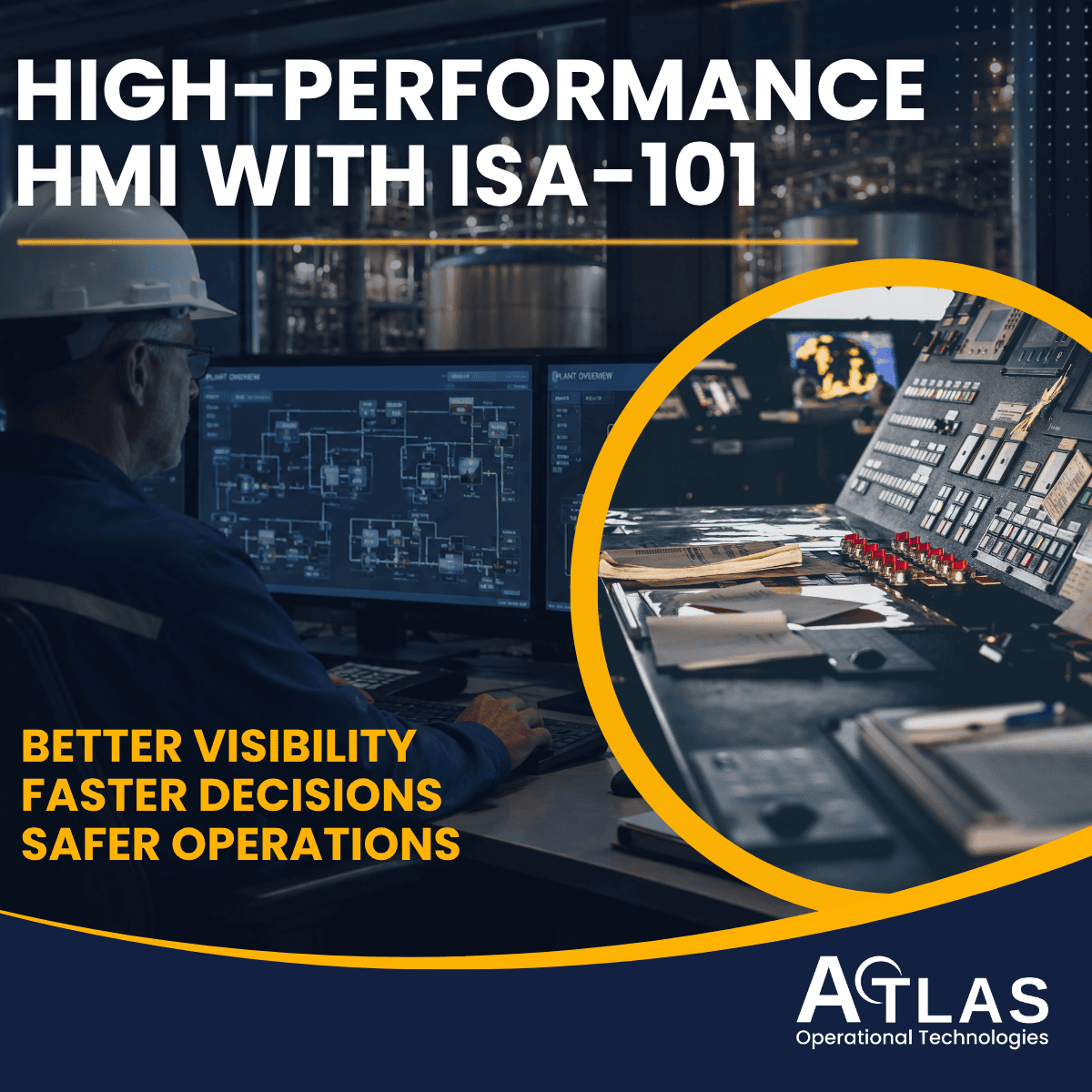
Inside the control room of a modern power plant, municipal water facility, or oil refinery, a single operator may be responsible for monitoring thousands of physical instruments, hundreds of control loops, and dozens of critical safety thresholds. Their only window into this massive, highly volatile physical world is a monitor screen: the Human-Machine Interface (HMI).
For decades, the automation industry treated HMI design as an afterthought. Programmers created screens that looked like chaotic, brightly colored video games. They used spinning 3D pumps, neon green pipes, and flashing red numbers scattered haphazardly across a black background. The result was a severe "cognitive overload." When a crisis occurred, operators were blinded by data but starved of actual information, leading to catastrophic accidents, massive equipment damage, and environmental disasters.
The release of ISA-101 (Human Machine Interfaces for Process Automation Systems) fundamentally changed how the industry designs control screens. It introduced the science of High-Performance HMI (HPHMI), shifting the focus from what the software can draw to how the human brain processes information under stress.
At Atlas OT, we believe that operator awareness is the ultimate safety system. Whether we are fabricating an NNNY-listed (hazardous location) UL 508A control panel with a local touchscreen or deploying a massive, facility-wide SCADA architecture, we engineer our graphics to the ISA-101 standard. This pillar page serves as your definitive guide to understanding High-Performance HMI design philosophy, alarm visualization, and how standardized graphics protect your facility’s bottom line.
The Dark Ages of HMI Design: Why Legacy Screens Fail
To understand the immense value of ISA-101, we must first examine the inherent dangers of traditional HMI design.
In the 1990s and early 2000s, as SCADA software became more graphically capable, integrators began replicating physical Process and Instrumentation Diagrams (P&IDs) directly onto computer screens. While this seemed logical at the time, it created massive operational liabilities:
The "Sea of Numbers": Legacy screens displayed raw data (e.g., "75.2 PSI"). A number by itself is meaningless unless the operator has memorized the normal operating range for that specific pipe. During an emergency, forcing an operator to do mental math for 50 different variables is a recipe for disaster.
Color Abuse: In a traditional HMI, if a pump is running, it is bright green. If a valve is closed, it is bright red. When an operator looks at a screen filled with normal operations, their eyes are bombarded with bright colors. When an actual alarm occurs, it blends into the chaotic background.
Lack of Hierarchy: Legacy systems often forced operators to click through five different screens just to figure out why a tank was overflowing, destroying their situational awareness.
- The Cost of Bad Design: Investigations into major industrial disasters,including the Texas City Refinery explosion and various nuclear incidents.
Enter ISA-101: The Standard for Situational Awareness
Published by the International Society of Automation (ISA), the ISA-101 standard brings ergonomic science, cognitive psychology, and rigorous engineering methodology to HMI design.
ISA-101 is not merely a "style guide." It is a comprehensive lifecycle management framework (similar to the ISA-112 SCADA lifecycle) that dictates how an HMI should be justified, designed, implemented, and maintained over the lifespan of a facility.
The Two Foundational Documents
Before a single screen is drawn, the ISA-101 standard mandates the creation of two critical governance documents:
The HMI Philosophy: A high-level document establishing the guiding principles for the facility. It defines the goals of the HMI, the physiological limitations of the operators, and the overall strategy for situational awareness.
The HMI Style Guide: The tactical rulebook. It explicitly defines the exact color palettes, fonts, line thicknesses, navigation buttons, and analog indicators that will be used. It ensures that an operator moving from the Water Treatment building to the Chemical Dosing building sees the exact same visual language.
The Core Principles of High-Performance HMI (HPHMI)
When Atlas OT upgrades a legacy SCADA system to comply with ISA-101, the visual transformation is stark. High-Performance HMI relies on several non-negotiable design principles intended to maximize operator reaction time.
Principle 1: Grayscale Backgrounds and Muted Lines
In an ISA-101 compliant screen, the background is always a soft, non-glare gray. Pipes, tanks, and static text are rendered in darker gray or muted tones.
The Reason: Contrast is the most powerful tool for drawing the human eye. By rendering the "normal" process in grayscale, we reserve bright, saturated colors strictly for abnormal situations (alarms).
Principle 2: Data vs. Information (The Moving Analog Indicator)
This is the most critical shift in HPHMI. Displaying a digital number (Data) forces the operator to evaluate it. Displaying that number in visual context (Information) allows the operator's peripheral vision to process it instantly.
The Solution: We replace raw numbers with Moving Analog Indicators. This is a simple bar graph showing the current value, but it includes visual bands indicating the "Normal Operating Range," "High Alarm," and "Low Alarm" limits.
- The Result: An operator can scan a screen of 30 analog indicators in three seconds. If all the bars are in the middle (the normal zone), the plant is safe. They do not need to read a single number.
Principle 3: Elimination of "Flash" and 3D Graphics
Spinning pumps, animated flames, and 3D shading of tanks provide zero operational value. They distract the eye and slow down the SCADA server's rendering time. ISA-101 mandates flat, 2D graphics that convey state (e.g., a simple gray box for a stopped pump, a dark gray box for a running pump).
The 4-Level HMI Hierarchy
A central tenet of ISA-101 is that an operator should never get lost in the software. To achieve this, the standard defines a strict, four-level navigational hierarchy. This ensures that operators have both a macro view of the entire facility and micro access to specific instruments.
Hierarchy Level | Name | Purpose & Content |
Level 1 | Facility Overview | The "Big Picture." Spans a large wall monitor. Shows the overall health of the entire plant using high-level analog indicators and major alarm summaries. No control actions (starting/stopping) are taken here. |
Level 2 | Unit Control | The primary workspace. Shows a specific process area (e.g., Boiler System 1). Contains all the necessary controls, setpoints, and High-Performance graphics required to run that specific unit. |
Level 3 | Unit Detail | The troubleshooting screen. Often resembles a simplified P&ID. Shows individual valves, pumps, interlocks, and detailed instrumentation for a subsystem. |
Level 4 | Diagnostic / Faceplate | The micro level. A pop-up window (faceplate) for a single specific instrument. Shows PID tuning parameters, maintenance overrides, and exact fault codes for a single transmitter or motor. |
Alarm Visualization & Operator Awareness
An HMI is only as good as its alarm system. If an HMI screams at the operator for every minor event, the operator will eventually ignore it,a dangerous psychological phenomenon known as "alarm fatigue."
ISA-101 is designed to work in perfect synergy with ISA-18.2 (Management of Alarm Systems). Together, they dictate exactly how an abnormal situation must be visualized on the screen.
Color and Shape Coding for Alarms
In a High-Performance HMI, the color red does not mean "closed" or "stopped." Red is strictly reserved for Priority 1 (Critical) alarms.
Furthermore, ISA-101 recognizes that up to 8% of the male population is colorblind. Therefore, alarms must be coded by both color and shape:
Priority 1 (Critical): Represented by a Red Square with the number "1" inside. Accompanied by a fast flash rate. (e.g., Gas leak, impending explosion).
Priority 2 (High): Represented by a Yellow Triangle with the number "2" inside. Accompanied by a medium flash rate. (e.g., Tank approaching overflow).
Priority 3 (Low): Represented by a Blue Circle with the number "3" inside. No flashing. (e.g., Filter requires cleaning soon).
When a critical alarm occurs on a muted gray HPHMI screen, a bright red flashing square immediately draws the operator's eye directly to the problem, drastically reducing reaction time.
Real-World Application: Power Plants and Refineries
Consider the control room of a high-pressure municipal power generation plant.
The Legacy Scenario:
A critical boiler feedwater pump trips off. On the legacy HMI, the pump icon turns from green to red. However, because half the screen is already covered in red and green icons, the operator misses it. Ten seconds later, the boiler water level drops. Fifty alarms cascade across the screen simultaneously. The operator is overwhelmed, panic sets in, and the plant trips offline, causing millions of dollars in lost revenue and potential equipment damage.
The ISA-101 / Atlas OT Scenario:
The same feedwater pump trips. On the High-Performance Level 2 Unit Control screen, the entire process is muted gray. Suddenly, a bright Red Priority 1 Square flashes next to the pump, and a High-Performance analog indicator shows the water level dropping out of the "Normal" visual band.
The operator sees the exact problem instantly. They click the pump, opening a Level 4 Faceplate, switch to the redundant backup pump, and stabilize the boiler. The crisis is averted in under 15 seconds.
This is the tangible financial and safety value of standardized human-machine interface design.
Synergy with PLCs, UL Panels, and Cybersecurity
At Atlas OT, we understand that HMI design does not exist in a vacuum. The graphics on the screen are the culmination of the entire automation architecture.
Mapping to PLC Standards (IEC 61131-3): A High-Performance HMI requires clean, structured data. We program our PLCs using IEC 61131-3 standards, creating standardized User Defined Types (UDTs) for every motor and valve. This allows our SCADA software to instantly map High-Performance faceplates to the underlying PLC logic.
The Physical Interface (UL 508A Panels): When we build a custom UL 508A control panel for the plant floor, we often mount a local touchscreen on the door. We utilize the same ISA-101 style guide for the local panel HMI as we do for the central control room, ensuring operator familiarity regardless of where they are in the plant.
Cybersecurity (IEC 62443): An HMI is a primary vector for cyberattacks. While ISA-101 dictates the visuals, we implement Role-Based Access Control (RBAC) on the HMI servers in strict adherence to ISA/IEC 62443 guidelines. Operators can only see and control the specific Level 2 screens they are authorized for, preventing internal mistakes and external breaches.
How Atlas OT Engineers High-Performance HMI
When you hire a standard integrator, they ask, "What colors do you want on your screens?"
When you partn"What are the critical success factors of your process?"
We do not just draw pictures; we engineer situational awareness. Here is our ISA-101 integration methodology:
Philosophy & Style Guide Development: We work with your operations team to draft a comprehensive HMI philosophy and a rigid style guide tailored to your facility.
Abnormal Situation Management: We review your P&IDs and ISA20 specification sheets to identify the critical control loops, mapping them to High-Performance analog indicators.
Alarm Rationalization: We integrate ISA-101 visuals with ISA-18.2 alarm management, ensuring your operators only see alarms that require immediate action.
Operator Training & Transition: Transitioning from legacy graphics to grayscale HPHMI can be a culture shock for veteran operators. We provide simulation testing and comprehensive training to demonstrate how the new system reduces their stress and improves their control.
The Bottom Line
In operational technology, operator confusion is your greatest liability. Standardizing your HMI to ISA-101 eliminates the guesswork, prevents alarm fatigue, and provides your operators with the exact information they need to run your facility safely and profitably.
Are your legacy SCADA screens putting your facility at risk? Contact Atlas OT Today for a Comprehensive HMI Evaluation and ISA-101 Upgrade Strategy.